Quick stats (useful for the intro)
- On Windows PCs in Steam’s Hardware Survey, 16 GB RAM and 32 GB RAM are both extremely common, with 16 GB slightly ahead of 32 GB in the latest survey snapshot shown.
- Windows 11’s minimum RAM requirement is 4 GB, but that is not a gaming target.
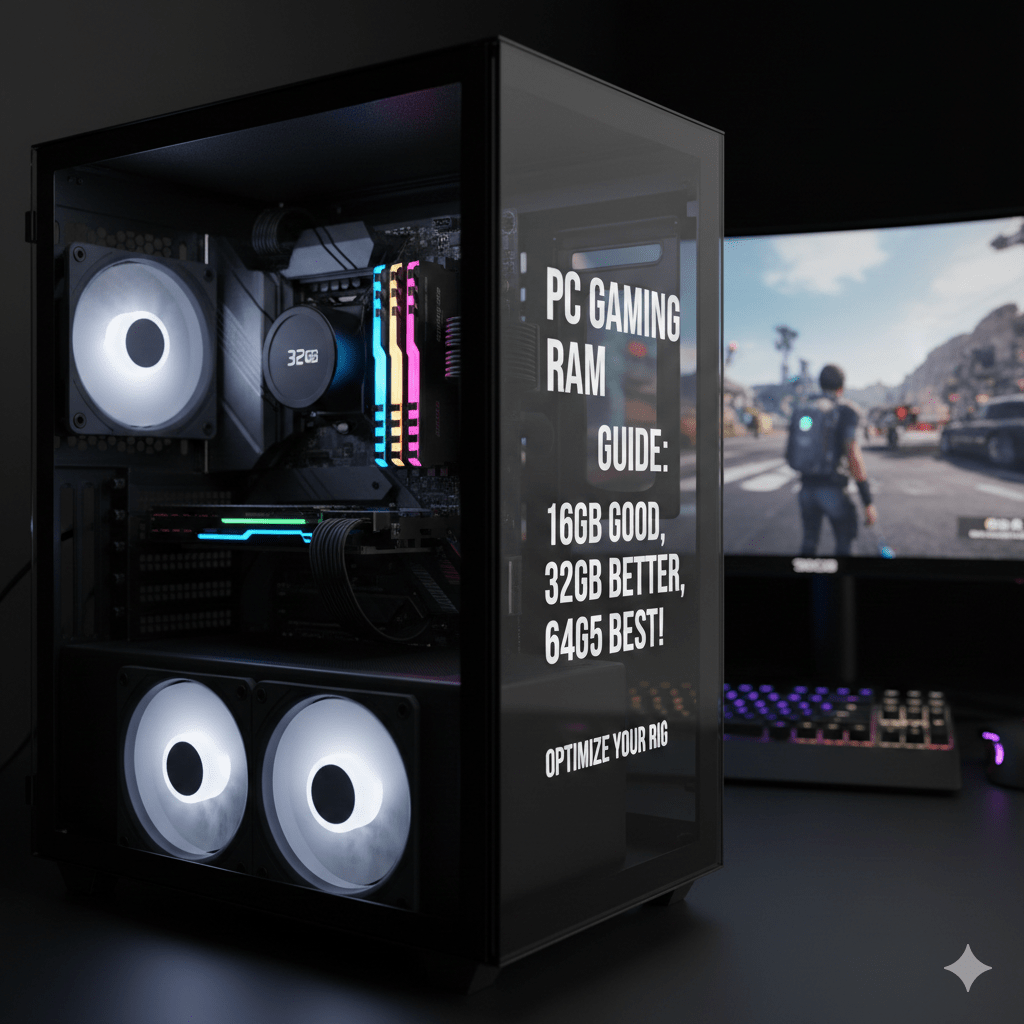
- Most modern guidance still lands on 16 GB as the practical starting point, with 32 GB for heavier multitasking, newer AAA games, mods, and “keep it for years” headroom.
Outline (what this post covers)
H2: The short answer (8GB vs 16GB vs 32GB)
H2: What changes how much RAM for PC gaming you need
- H3: The types of games you play (esports vs AAA vs simulation)
- H3: What runs while you play (browser, Discord, recording, streaming)
- H3: Mods, texture packs, and big open worlds
H2: RAM speed and “feel” (stutter vs smooth)
- H3: Capacity first, then speed (DDR4 vs DDR5)
- H3: Dual-channel, EXPO/XMP, and stability
H2: How to check your current RAM and real usage
- H3: Windows Task Manager quick check
- H3: Signs you need more RAM
H2: Upgrade guide (what to buy, what to avoid)
- H3: 2×8 vs 2×16, mixing kits, and timings
- H3: When 64 GB makes sense
H2: Common questions (FAQs)
The short answer: how much RAM for PC gaming?
If you want a clean rule that works for most people:
8 GB: Only for older games, light esports titles, or very tight budgets. It can work, but it’s the easiest way to run into hitching once Windows, background apps, and the game fight for memory.
16 GB: The safe starting point for 2026. If someone asks “how much RAM for PC gaming?” and you want one answer that’s usually right, this is it. It handles mainstream games well and won’t collapse the moment you open a browser.
32 GB: The “I want fewer headaches” tier. Pick this if you run a second monitor with tabs open, record gameplay, stream, use mods, play heavy simulation titles, or you keep PCs for a long time before upgrading.
A quick reality check: Steam’s survey shows 16 GB and 32 GB are both common picks on gaming PCs, which matches what people actually run day-to-day.
What changes how much RAM for PC gaming you need
Game type matters more than people think
Some games are light on memory but heavy on CPU/GPU. Others love RAM because they load huge worlds, lots of assets, or keep big caches.
Typically lighter on RAM
- Competitive shooters and esports games
- Older titles
- Many indie games
Usually heavier on RAM
- New AAA games with large textures and big maps
- Open-world games that stream assets constantly
- Simulation titles (city builders, physics-heavy games, “one more mod” games)
- Games with big user-made packs, custom assets, or high-res textures
If your library is mostly competitive titles and you close everything else, 16 GB is often fine. If you bounce between big modern titles, 32 GB is where the experience starts feeling calmer.
Background apps quietly eat RAM
When people search how much RAM for PC gaming, they often forget everything around the game:
- Browser tabs (guides, YouTube, music)
- Discord + voice
- Launchers updating in the background
- Overlays (capture tools, GPU overlays, chat overlays)
- Recording clips, streaming software, or replay buffers
This is why 8 GB can feel “fine” on a fresh Windows install, then feel rough later. Windows 11 can run on 4 GB. That number is only about booting the OS, not about gaming comfort.
Mods and texture packs can move you from 16 GB to 32 GB fast
Mods often bring:
- Higher-resolution textures
- Extra objects, AI routines, scripts
- Larger save files and world states
If you love modding, treat 32 GB as the default answer to “how much RAM for PC gaming?”
RAM and smoothness: why capacity affects stutter
Low RAM doesn’t always crash games. More often it causes:
- Hitching when new areas load
- Micro-stutter during fights or fast movement
- Longer load times and more streaming pauses
When RAM fills up, the system leans harder on storage as a fallback. Even with an SSD, that swap behavior can feel like random stutter.
So if your goal is “smooth gameplay,” capacity is usually the first fix before chasing tiny setting tweaks.
Does RAM speed matter for PC gaming?
Yes, but in the right order:
- Get enough capacity first (16 GB or 32 GB).
- Then look at speed and timings if your CPU/platform benefits.
DDR4 vs DDR5 in plain words
- DDR4 can still game very well if you already own it.
- DDR5 can help on newer platforms and can improve minimum FPS in some cases, but it’s not magic if capacity is too low.
Dual-channel is a must (for most builds)
For most gamers, two sticks are better than one:
- 2×8 GB beats 1×16 GB in many cases
- 2×16 GB is a great “set it and forget it” setup
XMP/EXPO: use it, then test stability
If your motherboard supports it, enabling XMP (Intel) or EXPO (AMD) helps your RAM run at its rated speed. After turning it on:
- play a few games you know well
- watch for crashes, freezing, or weird audio pops
If problems show up, dial back slightly or update BIOS (many stability issues are board/BIOS related).
How to check your current RAM (and what “good” looks like)
Fast check in Windows
Open Task Manager → Performance → Memory. You’ll see:
- total installed RAM
- speed
- how much is “in use”
If you see memory usage sitting high before you even launch a game, that’s a hint.
Signs you probably need more RAM
- Stutter when you move into new areas
- Big pauses when alt-tabbing
- Discord + browser + game makes everything feel delayed
- Your game runs fine for 10 minutes, then gets worse over time
These are classic “how much RAM for PC gaming” symptoms in real life.
Buying and upgrade guide (simple choices that age well)
Best picks for most people
- 16 GB (2×8): solid for mainstream gaming if you keep background apps light
- 32 GB (2×16): best all-around choice for new builds in 2026
- 64 GB (2×32): only if you truly need it (heavy creation work, massive mod packs, large simulation workloads)
Don’t mix random RAM sticks if you can avoid it
Mixing can work, but it raises the chance of:
- instability
- lower speeds
- weird stutter that’s hard to diagnose
If you’re upgrading from 16 GB to 32 GB, the cleanest route is often a matched 2×16 kit.
When 64 GB actually makes sense
Pick 64 GB if you do several of these at once:
- heavy modding in simulation/open-world titles
- streaming + recording + lots of browser tabs
- content creation on the same PC
- you keep huge background tools running while gaming
For everyone else, 32 GB is the “comfort” ceiling.
A quick language note (why “how much” feels vague)
People ask “how much” because it’s a flexible phrase. In dictionary terms you’ll see “how much” tied to quantity, degree, and “great quantity,” plus usage examples and definitions. Some word-history notes trace forms like mycel / micel / muche across older English, with pronunciation and grammar notes listed alongside synonyms and translations in many dictionary entries (Oxford-style references show similar patterns, and you may even see terms like merriam-webster.com dictionary in keyword lists).
For gaming, the easiest way to remove the vagueness is to pick a tier: 16 GB for most, 32 GB for heavier setups.
Conclusion
If you want one clean answer to how much RAM for PC gaming, go with 16 GB for a straightforward setup and 32 GB if you multitask, play newer AAA games, mod, or want a smoother “no drama” feel for the next few years. Steam’s survey also reflects that real-world split: 16 GB and 32 GB dominate gaming PCs.